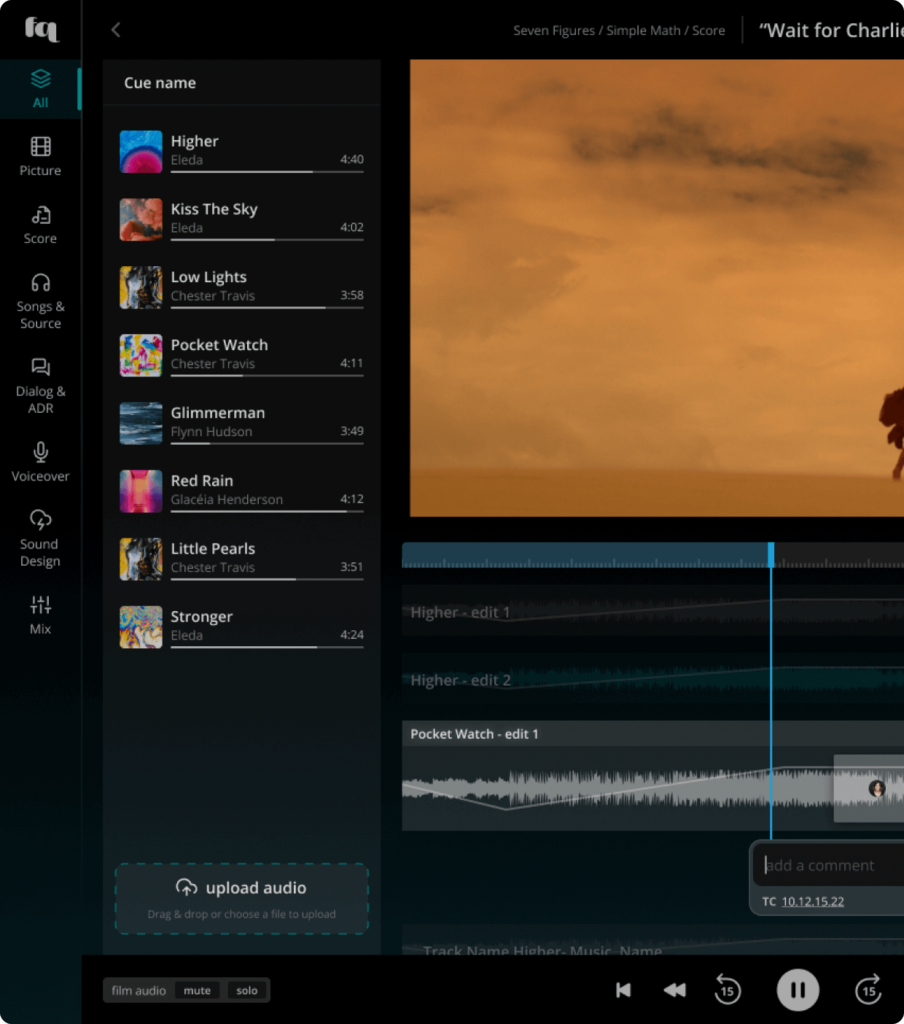
Commenting in the workspace
The workspace is there you land after creating a cue on a lane and clicking the prompt to enter (on hover) when the lane is selected.
You can place comments on any asset available here, whether they are edits in the Sync Area or are listed in the Asset Pane on the left. You have all three comment types available: single-point, ranged, and general comments.
Clicking on an asset or an edit in the Sync area will filter comments in the Commenting Pane on the right to show only the comments made on that file.